
For high-performance canopy pilots
Every swoop,
measured.
SwoopSight pulls your swoops off the FlySight and breaks down every one: speed, distance and rotation through the gates.
iOS 18+ · iPhone · FlySight 2
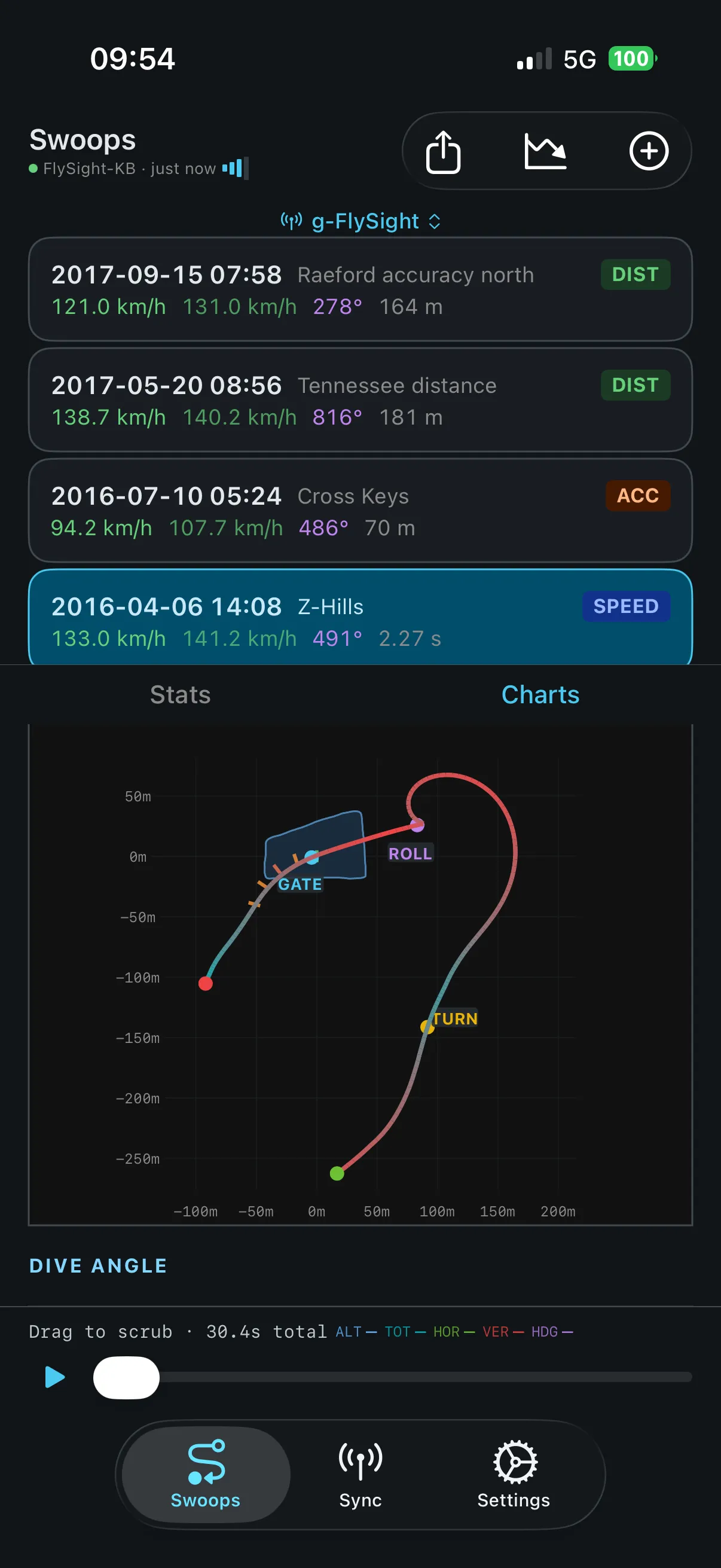
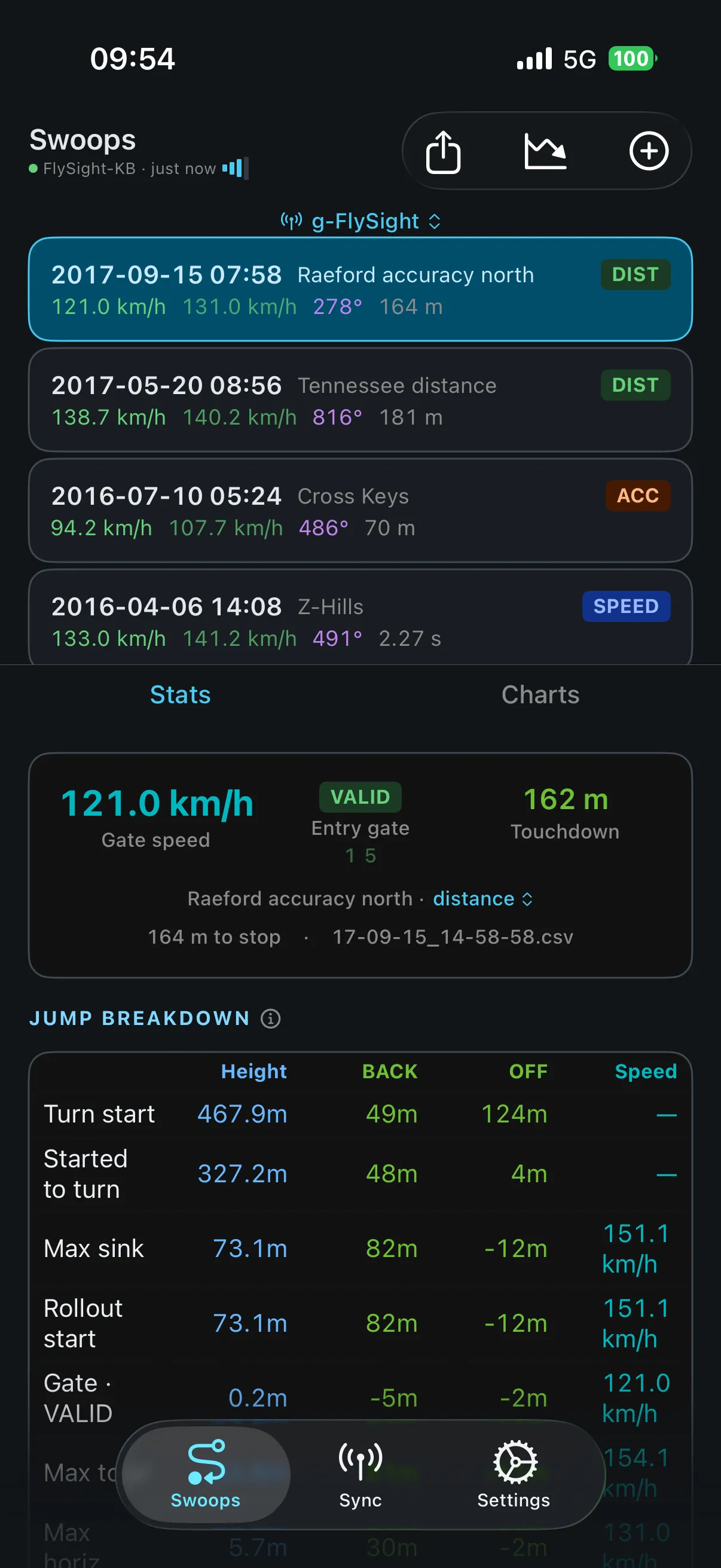
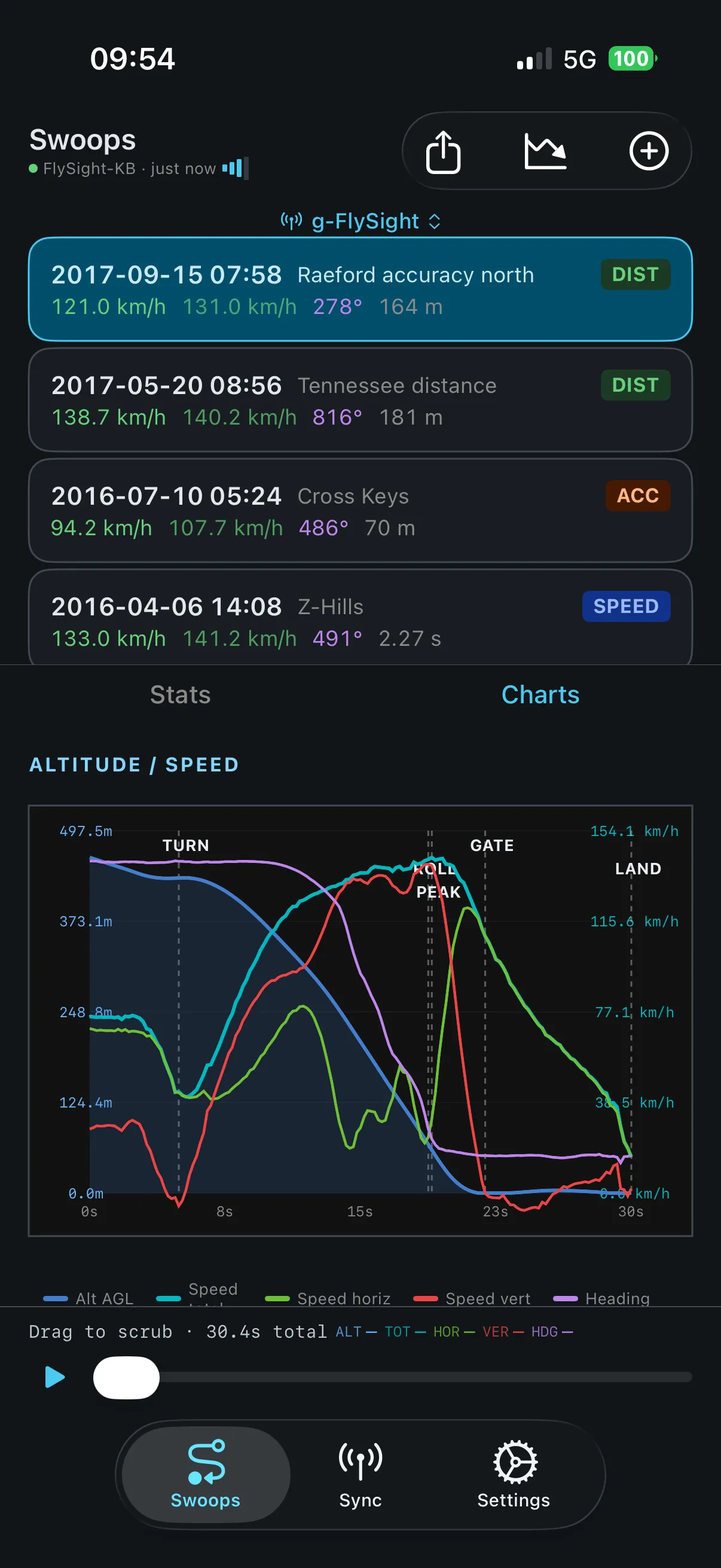
Screens
Built like an instrument.
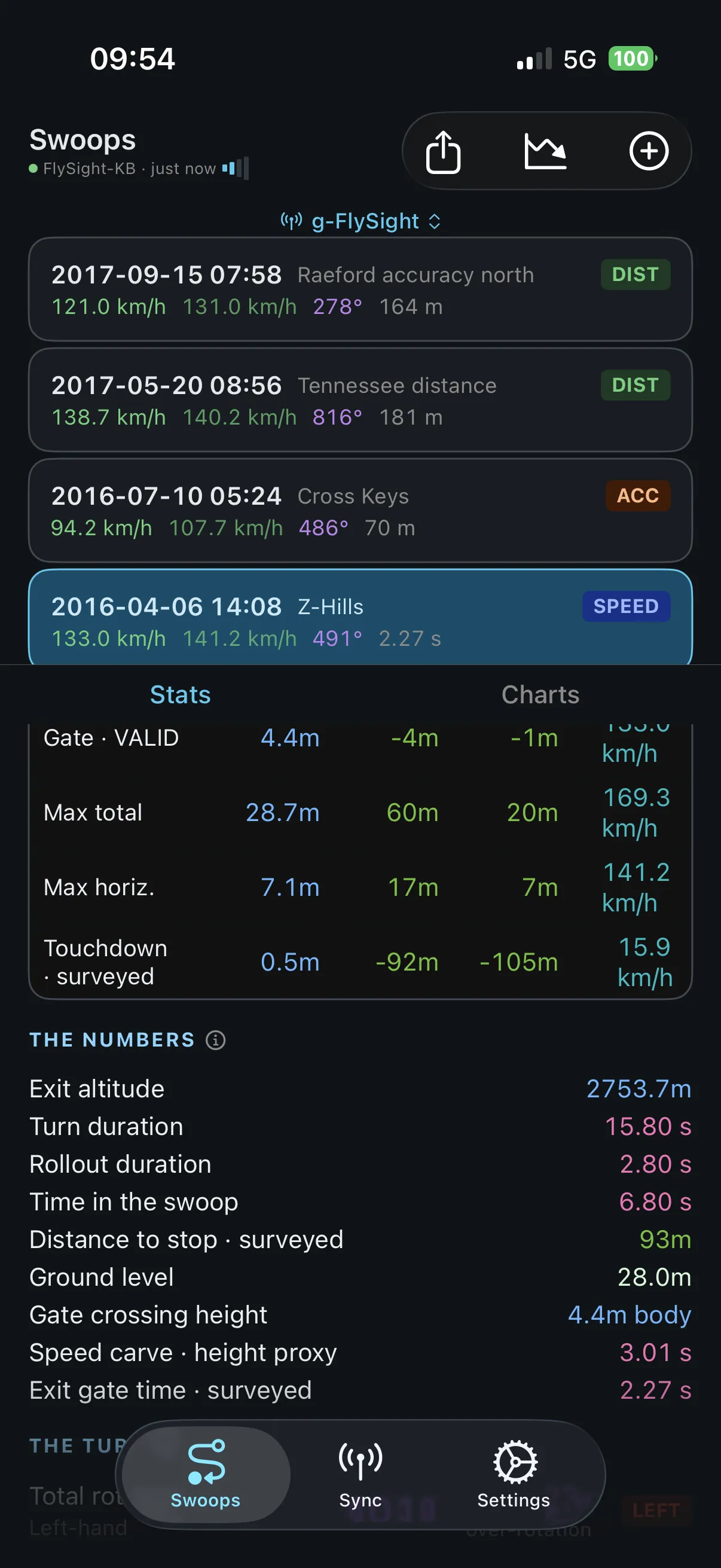
- AnalysisSpeed, distance and rotation
- ScoringBack and offset per gate
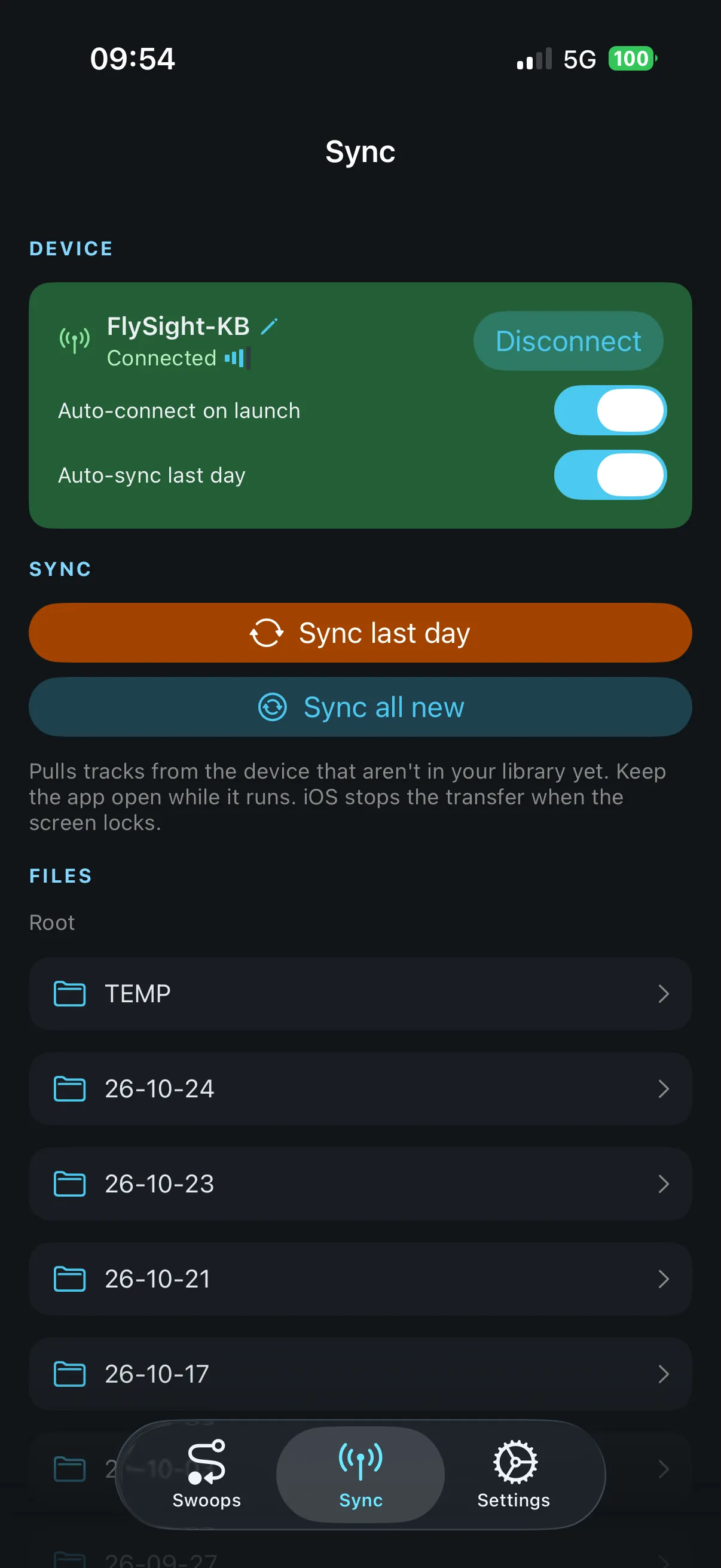
- SyncAutomatic, over Bluetooth
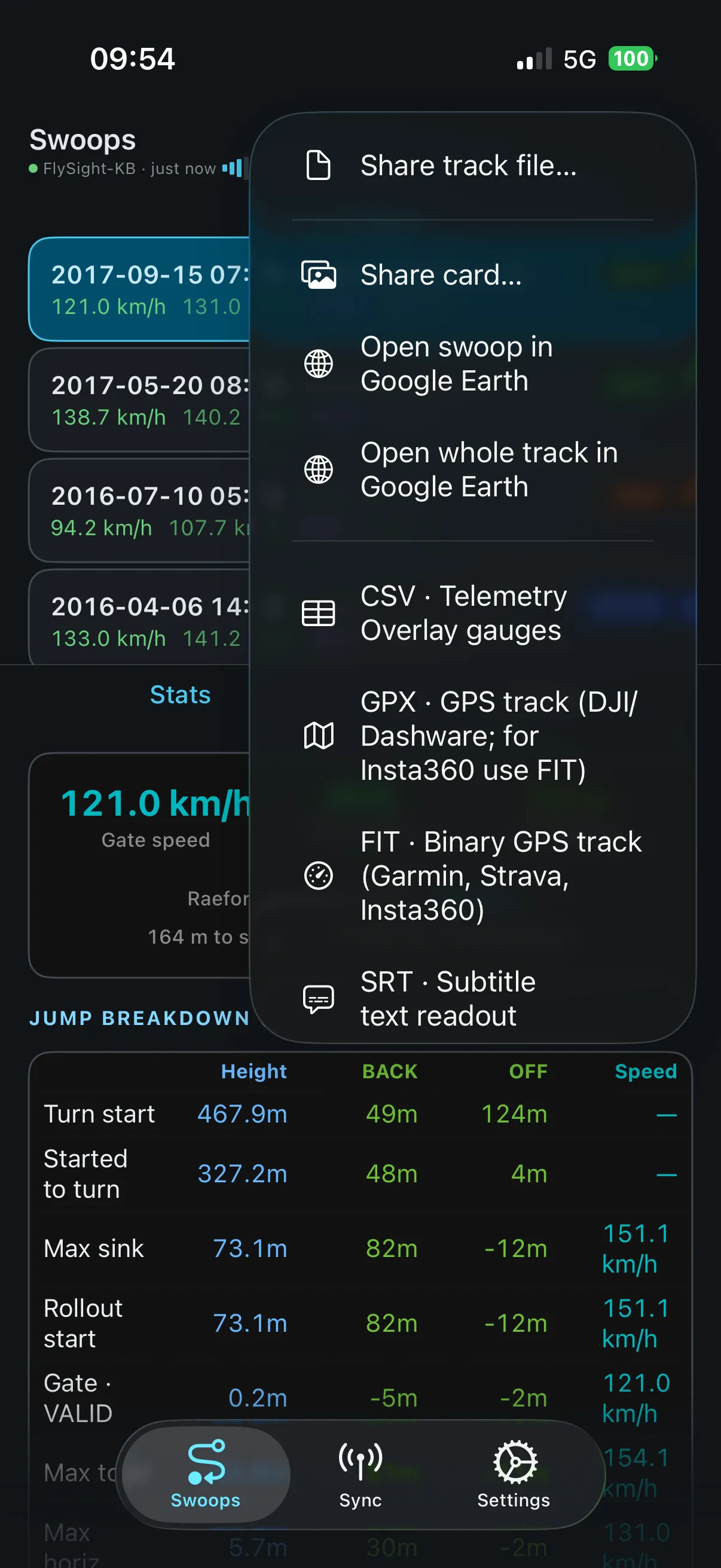
- ExportKML · GPX · CSV · SRT
Metrics
A jump log that does the math.
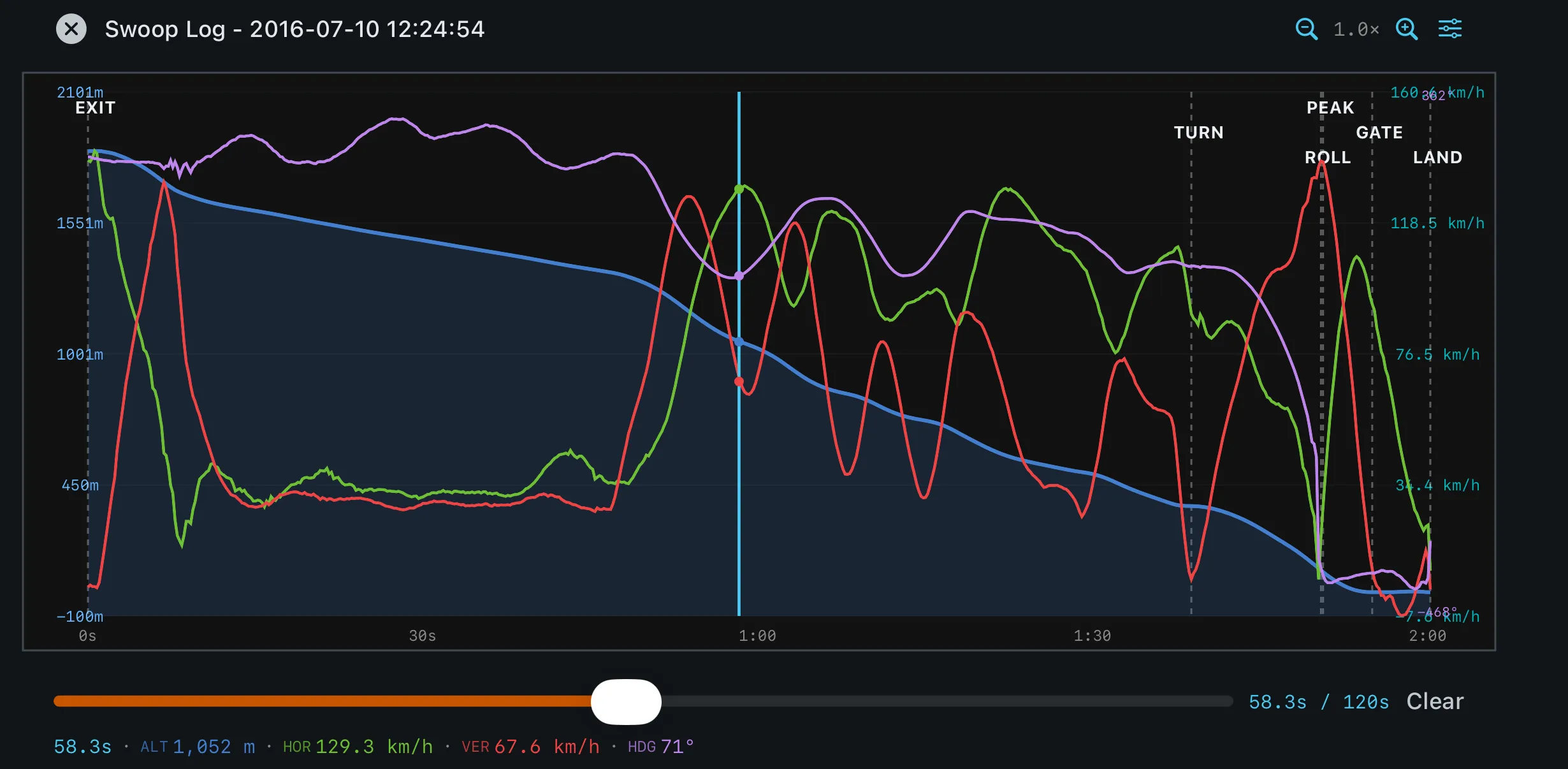
Gate speed, peak total and horizontal speed, average swoop speed, turn start altitude and rollout start: everything is computed on the phone the moment a track lands.
- Gate speed
- Turn start altitude
- Rollout start
- Runs offline
Gates
Scored against the gates.
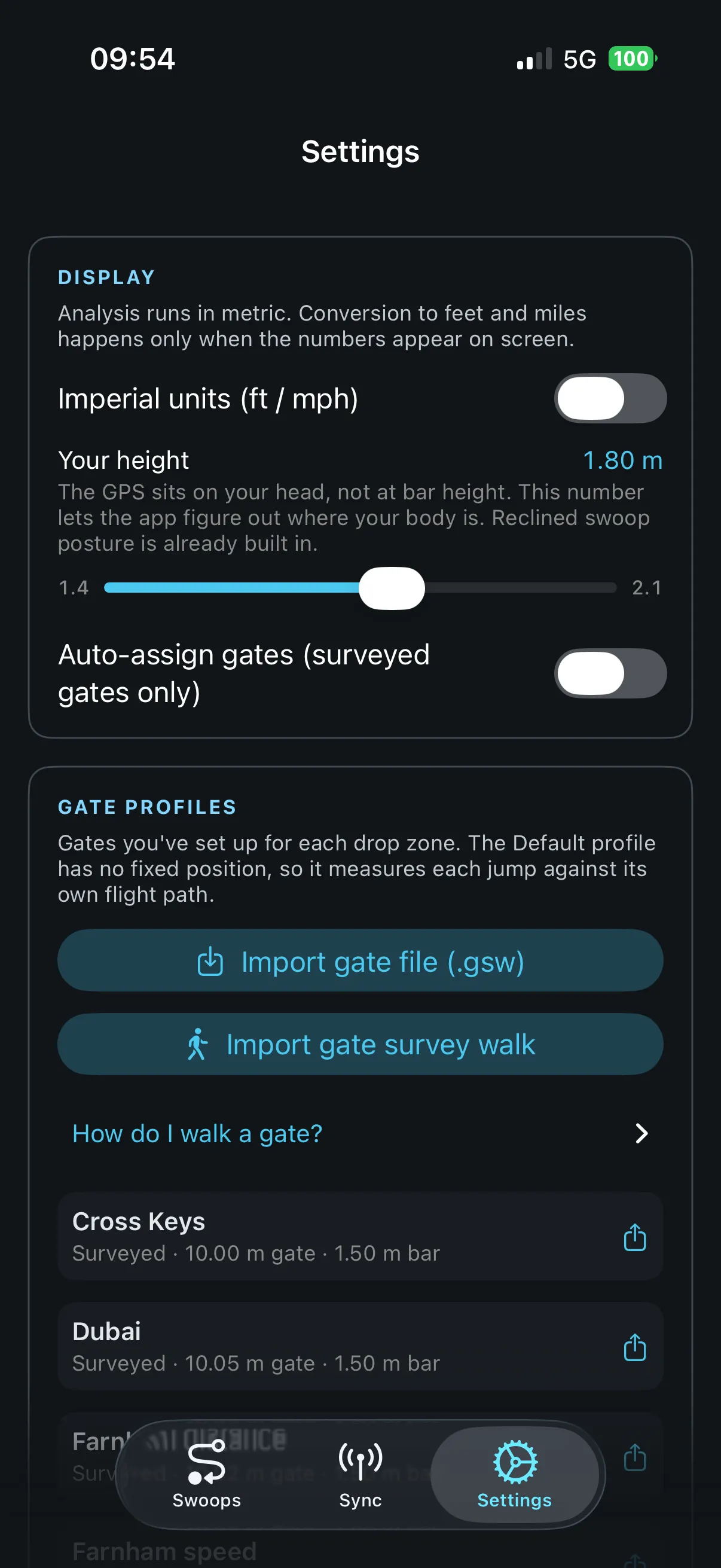
Add a gate when you want scoring: walk the course, or import it from a jump you already logged. Every swoop after that gets an entry verdict, back distance and lateral offset; clean or wide, the course decides, not your memory.
Metrics
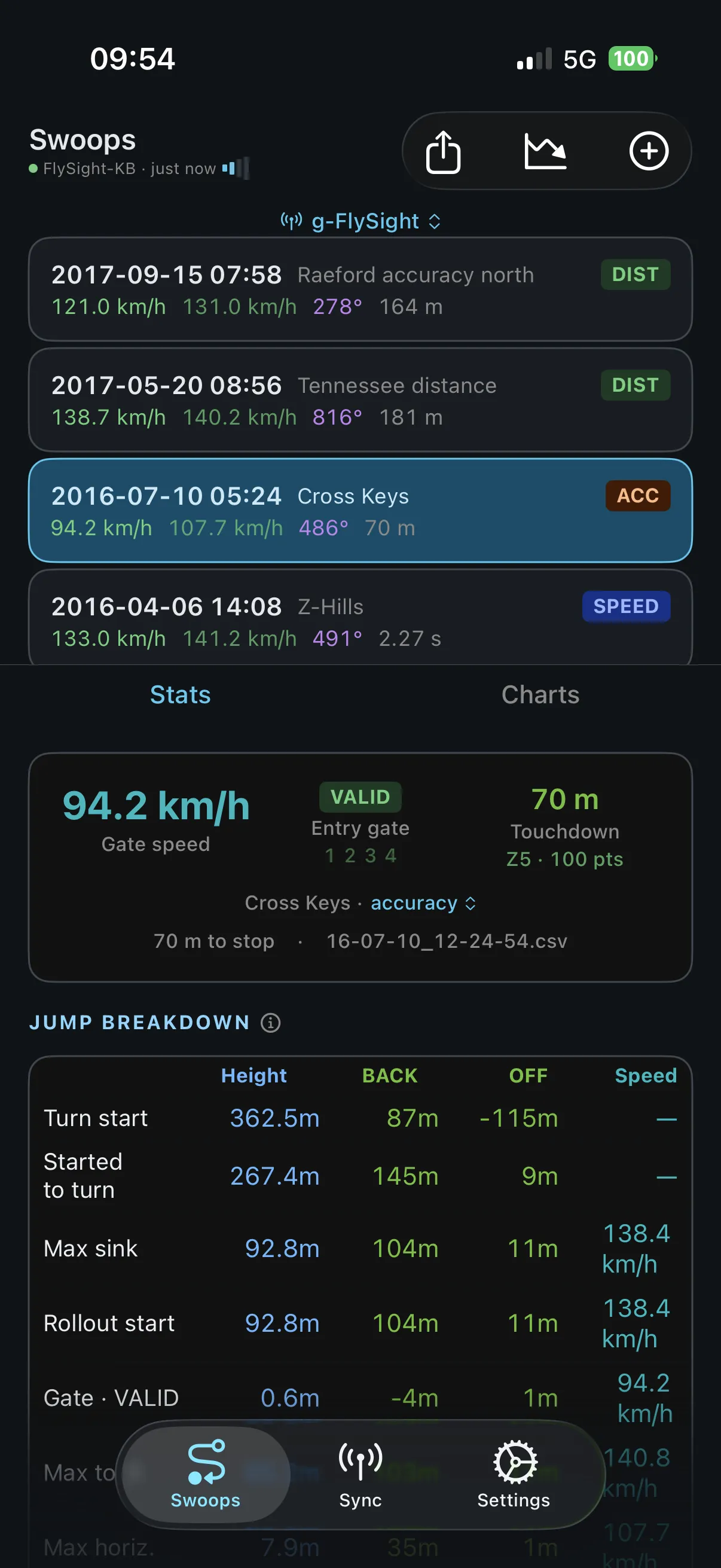
Every number it reads.
Jump breakdown
- Turn start
- Max sink
- Rollout start
- Entry verdict
- Max total
- Max horizontal
The numbers
- Max total speed
- Max horizontal speed
- Avg swoop speed
- Vertical speed
- Distance to stop
- Dive angle
The turn
- Total rotation
- Carve direction
- Over-rotation flag
- Gate crossing height
Charts
- Altitude / speed
- Overhead flight path
- Dive angle
- Dive speed vs altitude
- Turn rate vs altitude
- Side profile
- GPS accuracy
Through the gate
- Crossing speed
- Back distance
- Lateral offset
- Speed at each gate
- Entry verdict
Per event
- Event types per jump
- Event-based scoring
- Auto gate assignment
Also in the app
The rest of the toolbox.
Units your way
km/h or MPH, meters or feet.
Whole-jump charts
All seven charts from the Charts tab, for the whole skydive.
Event types
Events and gates are assigned automatically from each track; correct them by hand when you disagree.
Share and export
Share cards, raw tracks, KML, GPX, CSV and SRT captions, straight from the jump.
Google Earth
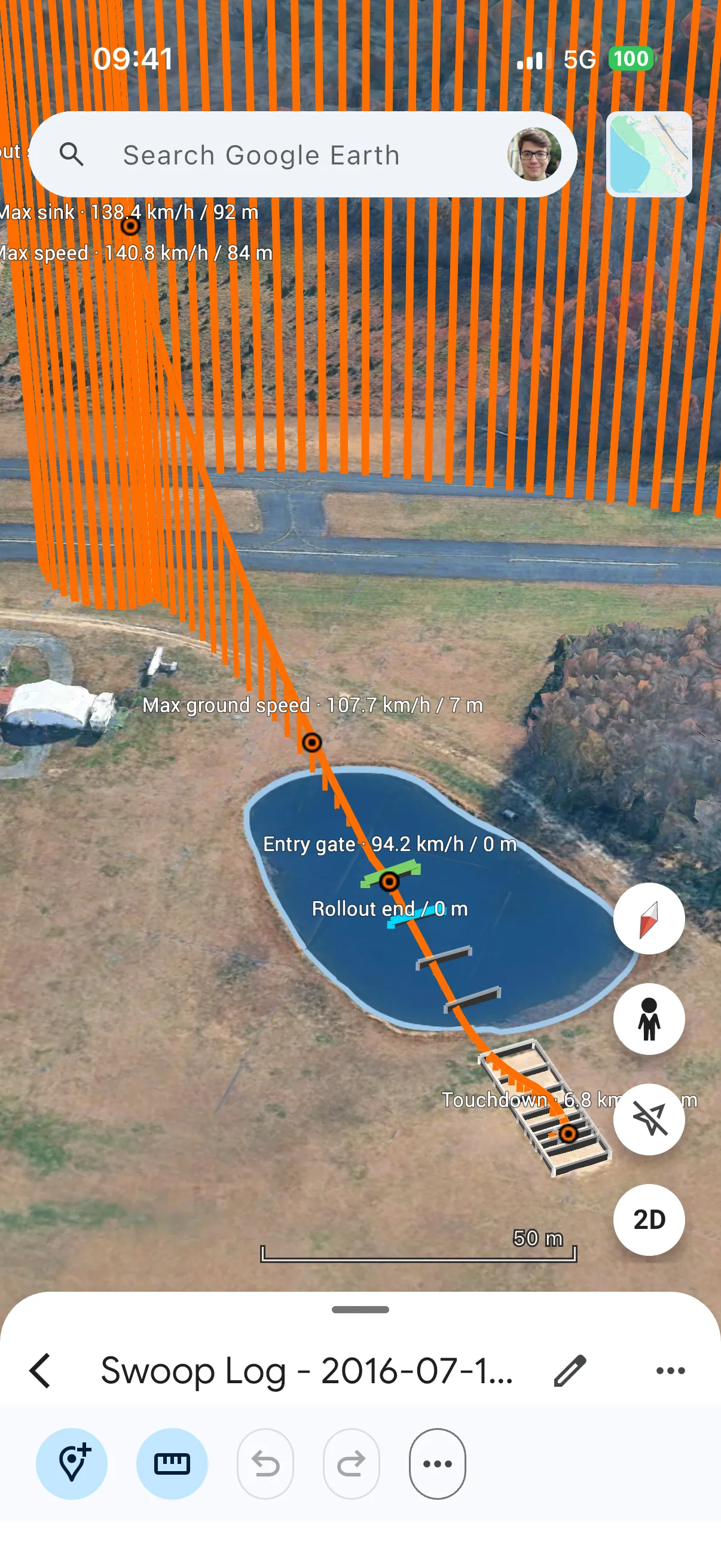
Open any swoop in Google Earth with the gates drawn in.
Device renaming
Name each FlySight once and every track follows the name.
Multiple devices
Keep logs from several FlySights side by side, filtered per device.
Surveyed by walking
Walk the course once and SwoopSight reads your gates from the track.
Backups
Export the whole log as one archive and restore it on a new phone.
Hardware
Works with your FlySight.
SwoopSight pairs with the GPS logger already on your helmet. Jump the way you always do; the analysis is waiting when you land.
FLYSIGHT 2
BLE
SWOOPSIGHT
- FlySight 2
- Syncs on connect
- CSV import from Files
How it works
Jump. Sync. Read the numbers.
- Step 01
Record
Jump with your FlySight as usual. FlySight 2 tracks are detected automatically.
- Step 02
Sync
Connect over Bluetooth and the new tracks come over on their own, or import CSV files straight from Files.
- Step 03
Analyze
Pick a gate profile and read the swoop: speed, distance and rotation, compared against your previous jumps.